
How to block gambling sites and apps on iPhone

With Ungamble you can block 516,011 gambling sites and sportsbooks at once, directly on your iPhone, in less than five minutes, with no computer.
What you need
- An iPhone.
- About five minutes.
- No computer, no cables, nothing to set up anywhere else.
Install Ungamble
Download Ungamble from the App Store and open it.
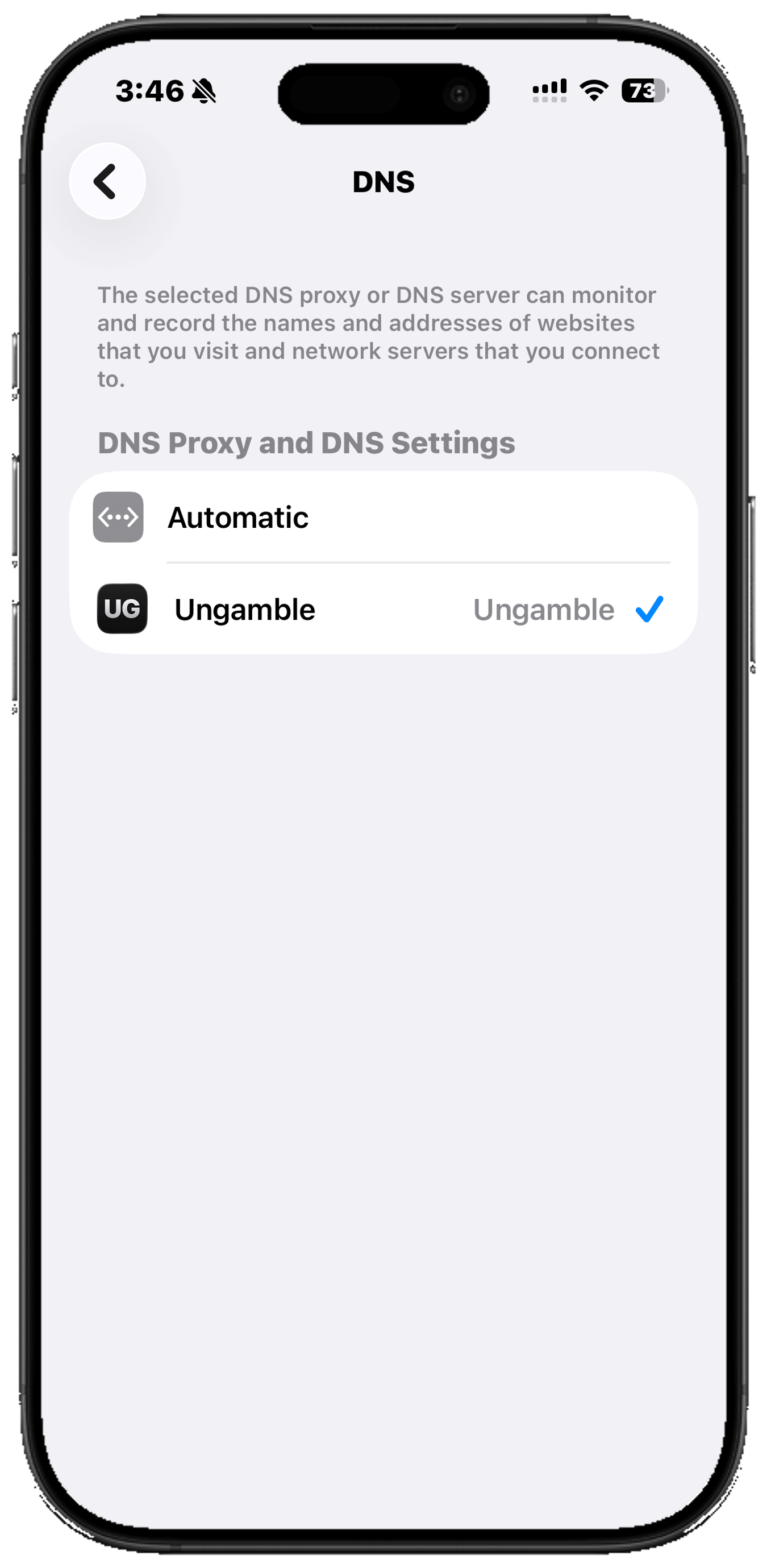
Open Blocking and start the site shield
In the app, open Blocking and tap Shield betting sites. This is what prepares the shield, so it has to happen before you go into Settings.
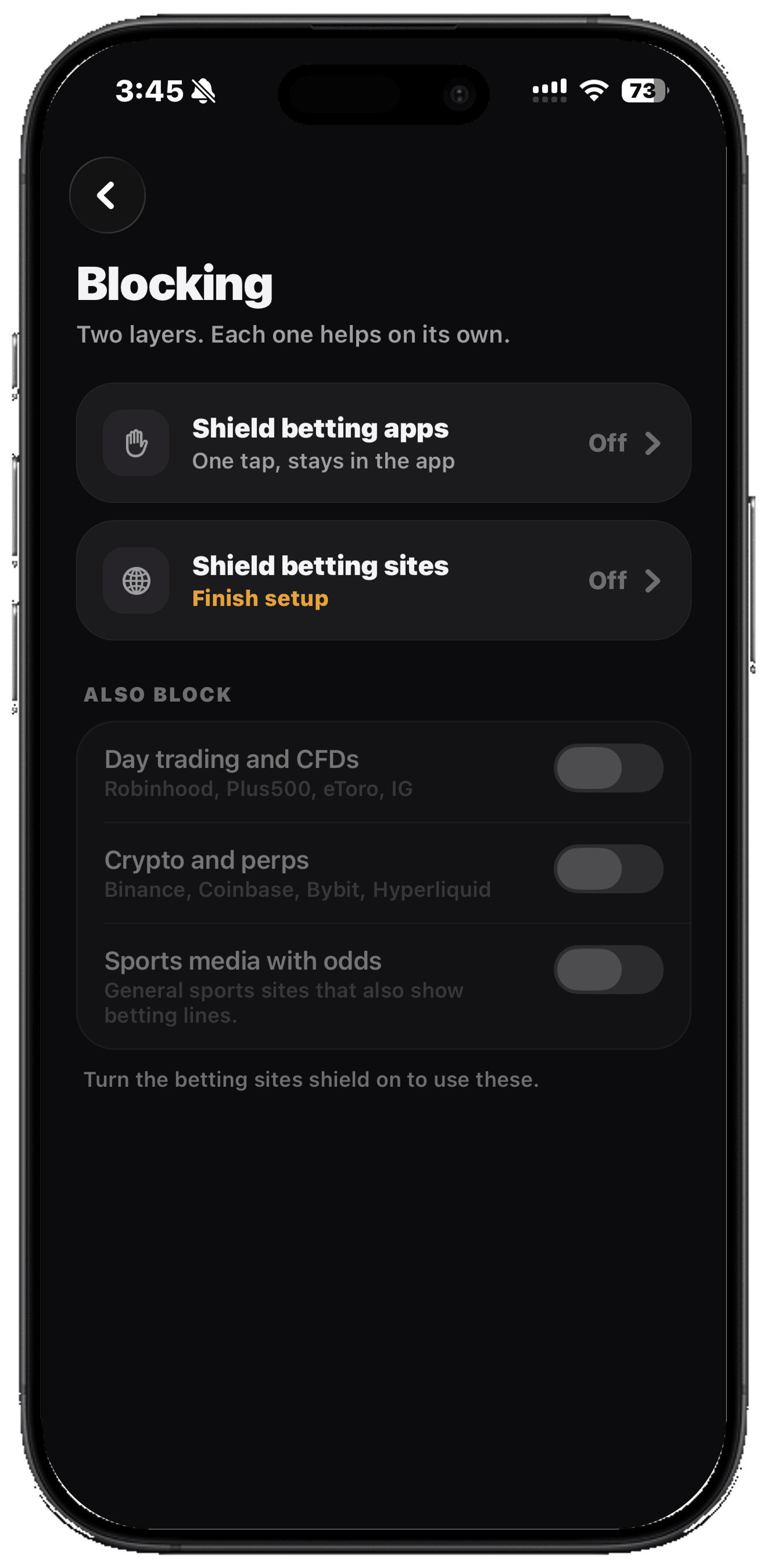
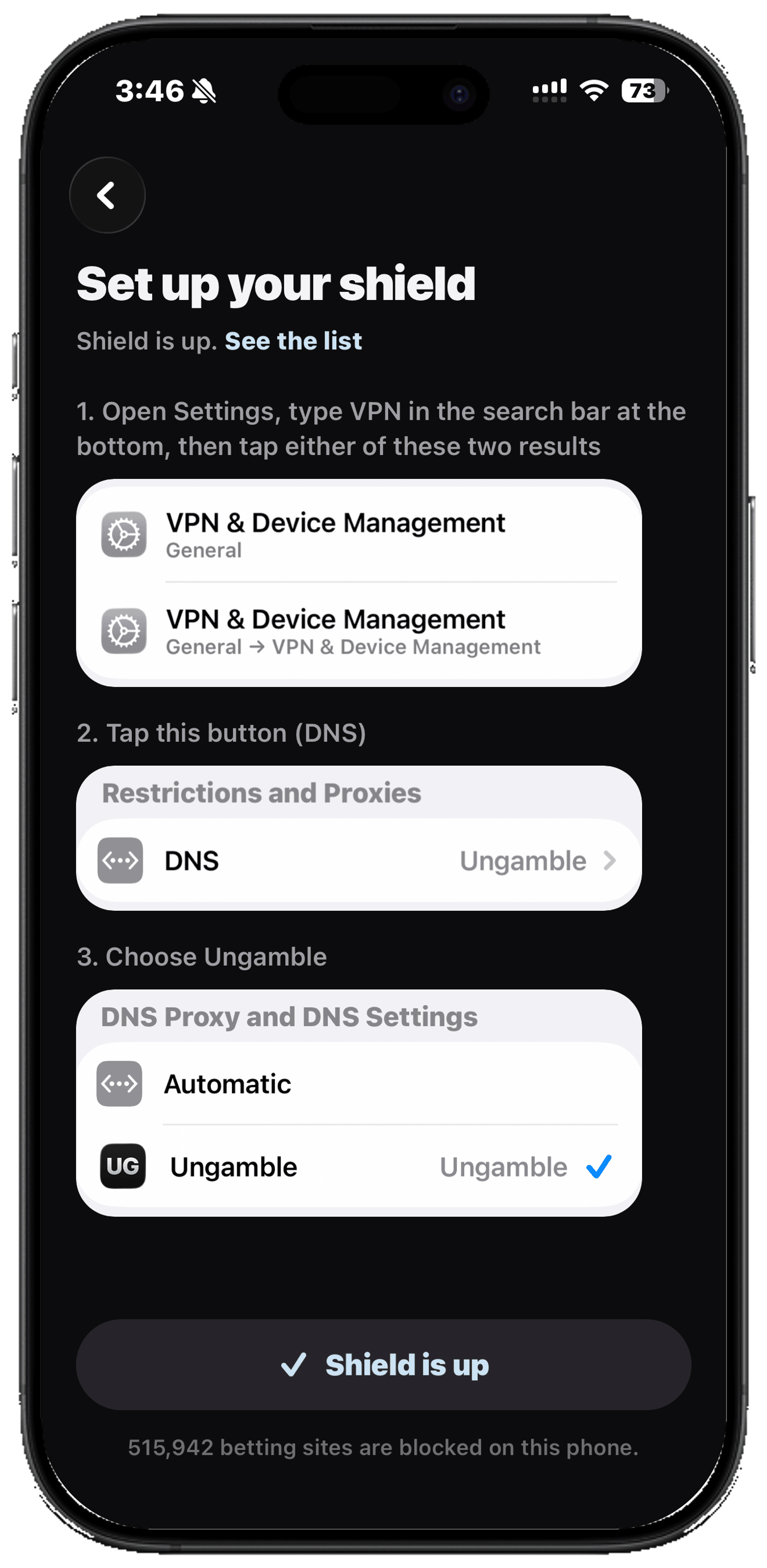
In Settings, search VPN and tap either result
Open Settings and type VPN into the search bar. Two results come back and they look identical. Tap either one, it doesn't matter which.
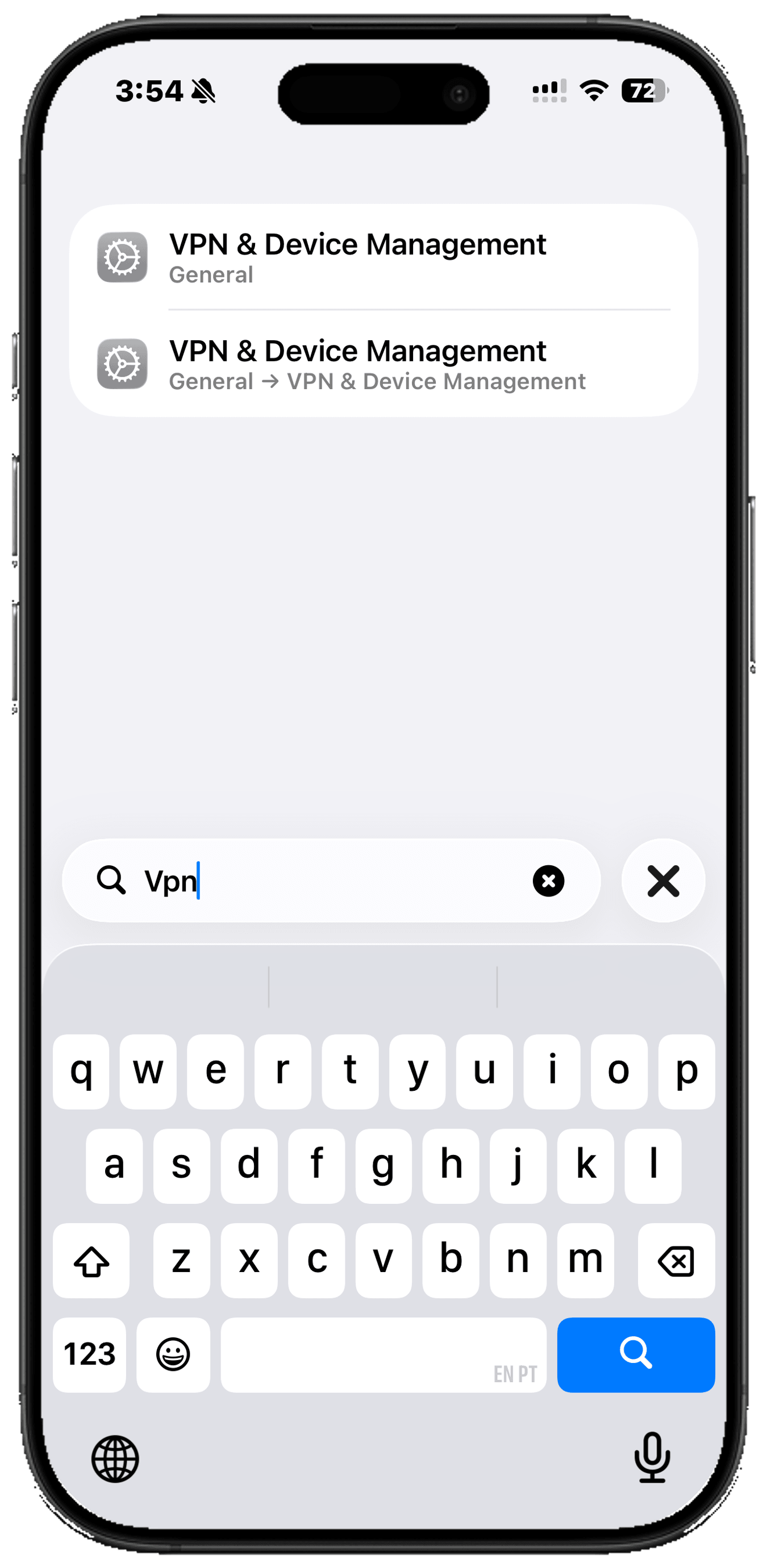
Tap DNS
You land on a screen called VPN & Device Management. Tap the DNS button.
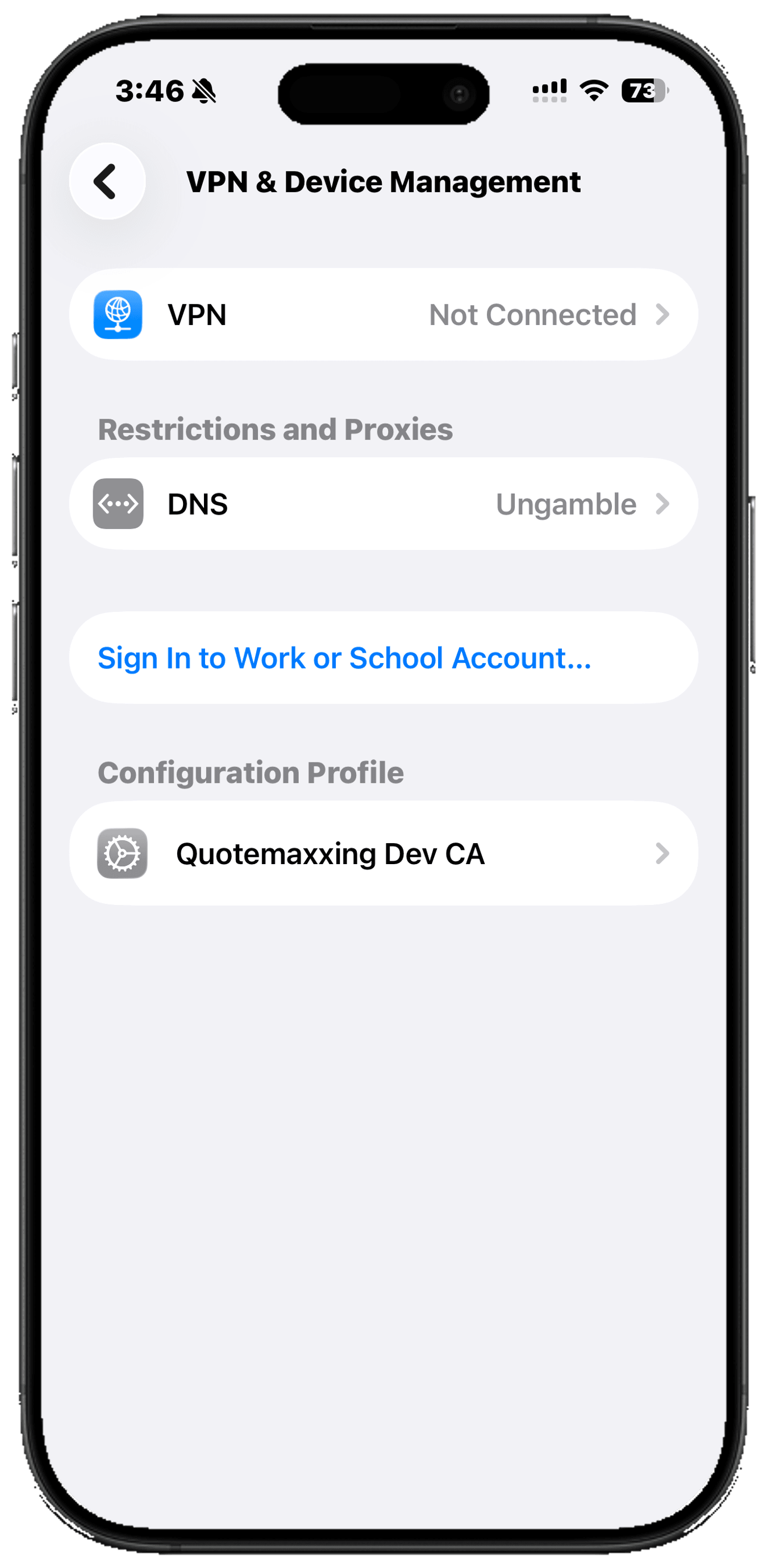
Choose Ungamble
You will see two options, Automatic and Ungamble. Tap Ungamble.
Go back and confirm the shield is up
Reopen Ungamble and the app should pick up the shield automatically. It will try to reach a gambling site, and if that attempt fails, the shield is genuinely working and you'll see the Shield is up confirmation.
That is the whole setup. It stays on through restarts and across browsers, and you never have to do it again.
What gets blocked
516,011 gambling domains: sportsbooks, online casinos, slots, sweepstakes and crypto books, worldwide.
How the blocking actually works
Every time your phone opens anything, a website, an app, a link someone sent you, it first needs its address. When you type the name your phone asks a DNS server for the address. Choosing Ungamble under DNS makes us the one answering, and if you’re asking for a gambling site we say that it’s not available, so you never reach it no matter what.
The lookup happens underneath the browser rather than inside it. A private tab still has to ask. Chrome still has to ask. A betting app with a browser built into it still has to ask. They all get the same answer, which is why one setting covers the whole phone.
Ungamble never sees what you’re searching. It works like a phone book: the lookup goes through the list, and if it’s a gambling site nothing comes back.
There is no speed cost. The list sits in memory at the edge of the network, so every other website takes exactly the same time to load as before.
Everything else works exactly as before
Your bank, your card, work tools, social media: nothing else changes and nothing else slows down. And if you ever do find something blocked that should not be, you can report it from inside the app. We look at every one and fix the list itself, usually the same day, so it is corrected for everyone rather than switched off on your phone.
Can I block the betting apps too?
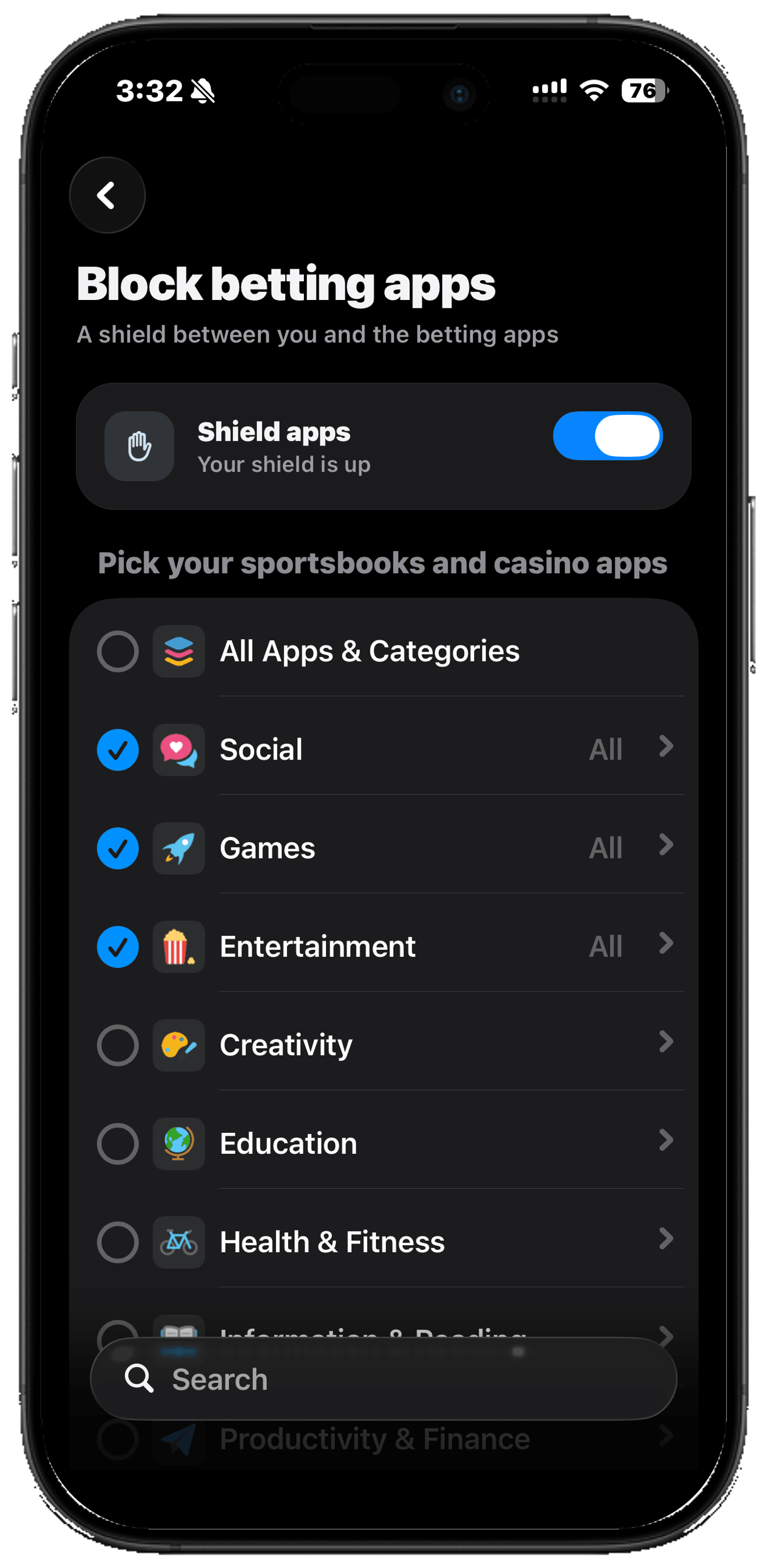
Yes. You can block any app on your phone directly from Ungamble, with one tap. You pick which ones, and after that, tapping one of them puts a wall in front of it instead of opening it. The button on the wall says Keep my money.
It is worth doing both. The sites shield already stops a betting app reaching its servers, so the app opens onto nothing. Blocking the app as well means you do not get as far as opening it.
If something is not working
The shield says it is not up, or the test keeps failing
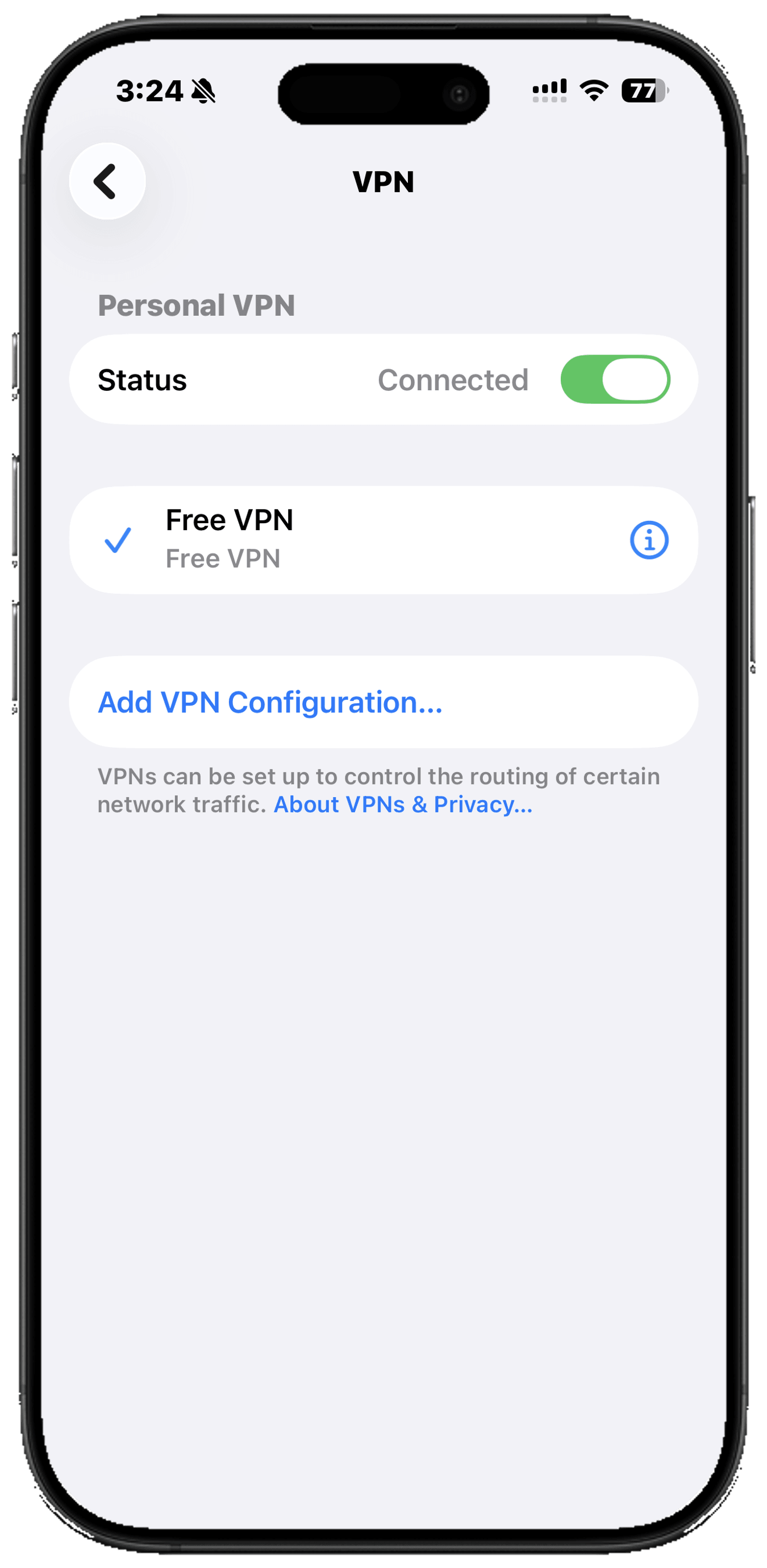
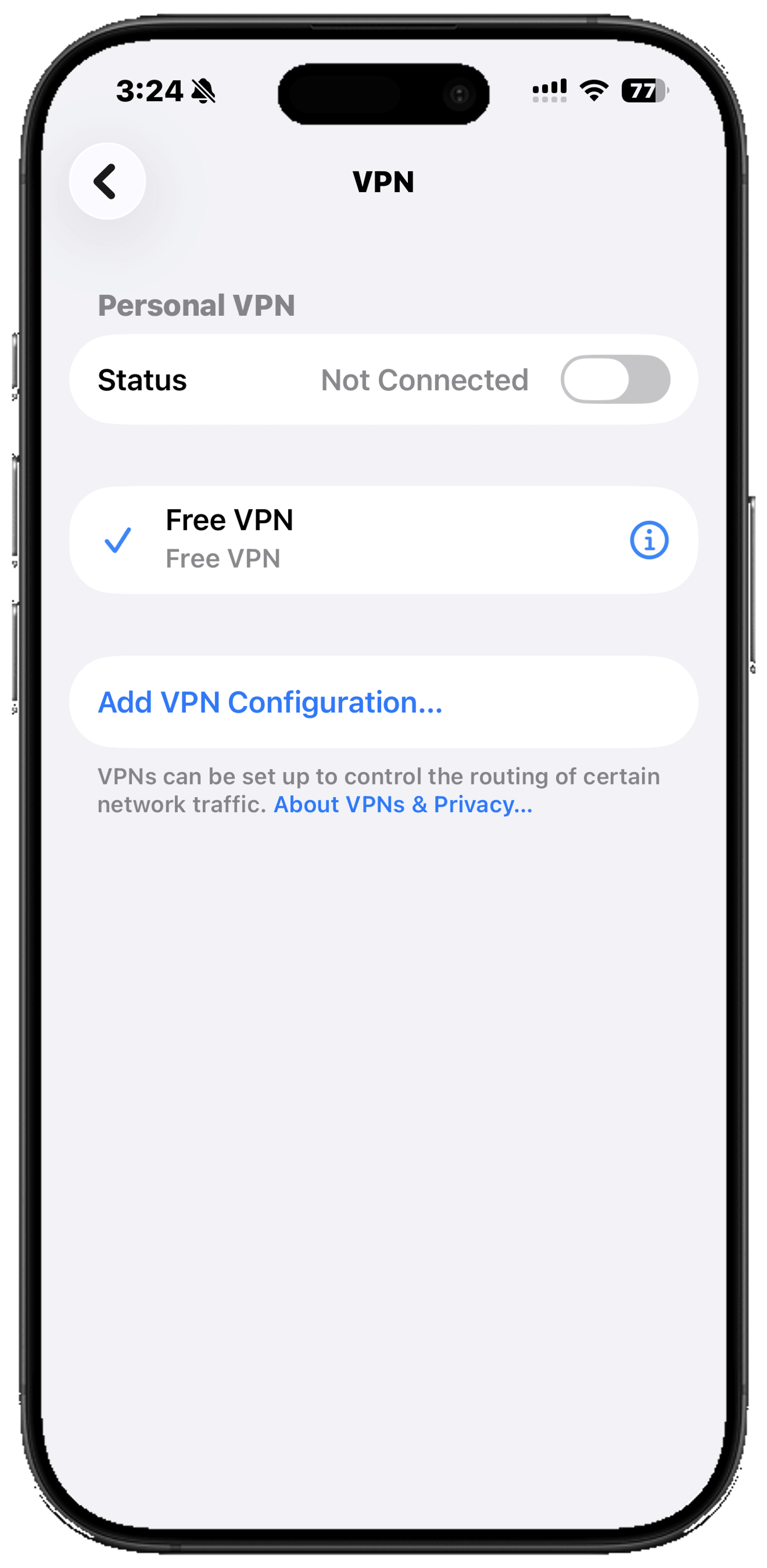
A VPN takes priority over your iPhone's own settings, so while one is connected your traffic goes through it instead of through the shield. Open Settings, search for VPN, tap VPN, and disconnect anything that is on. Then reopen Ungamble and tap Test shield again. If you need a VPN for work, disconnect it during the hours you are most likely to bet.
Ungamble does not appear under DNS
The shield is prepared inside the app, so if you have not finished that part yet there is nothing in Settings to choose. Open Ungamble, go to Blocking, tap Shield betting sites and follow it to the end, then go back to Settings, search VPN, tap DNS, and Ungamble will be there.
A gambling site still loads
Usually the page was already open in a tab and your phone is showing you a copy it saved earlier. Close the tab and open it fresh. If it still loads, the site is simply missing from the list: open Ungamble, go to Blocking, search for it, and report it. Reported sites are checked and added for everyone, not just for you.
How do I get a specific site or app blocked?
Open Ungamble, go to Blocking, and search for it. If it is not already blocked, tap it and send a report, with a note if you want to tell us anything about it. Every report is checked by hand, and when it is a gambling site it gets added for everyone.
Something I need is blocked by mistake
Open Ungamble, go to Blocking, search for the site and tap it.
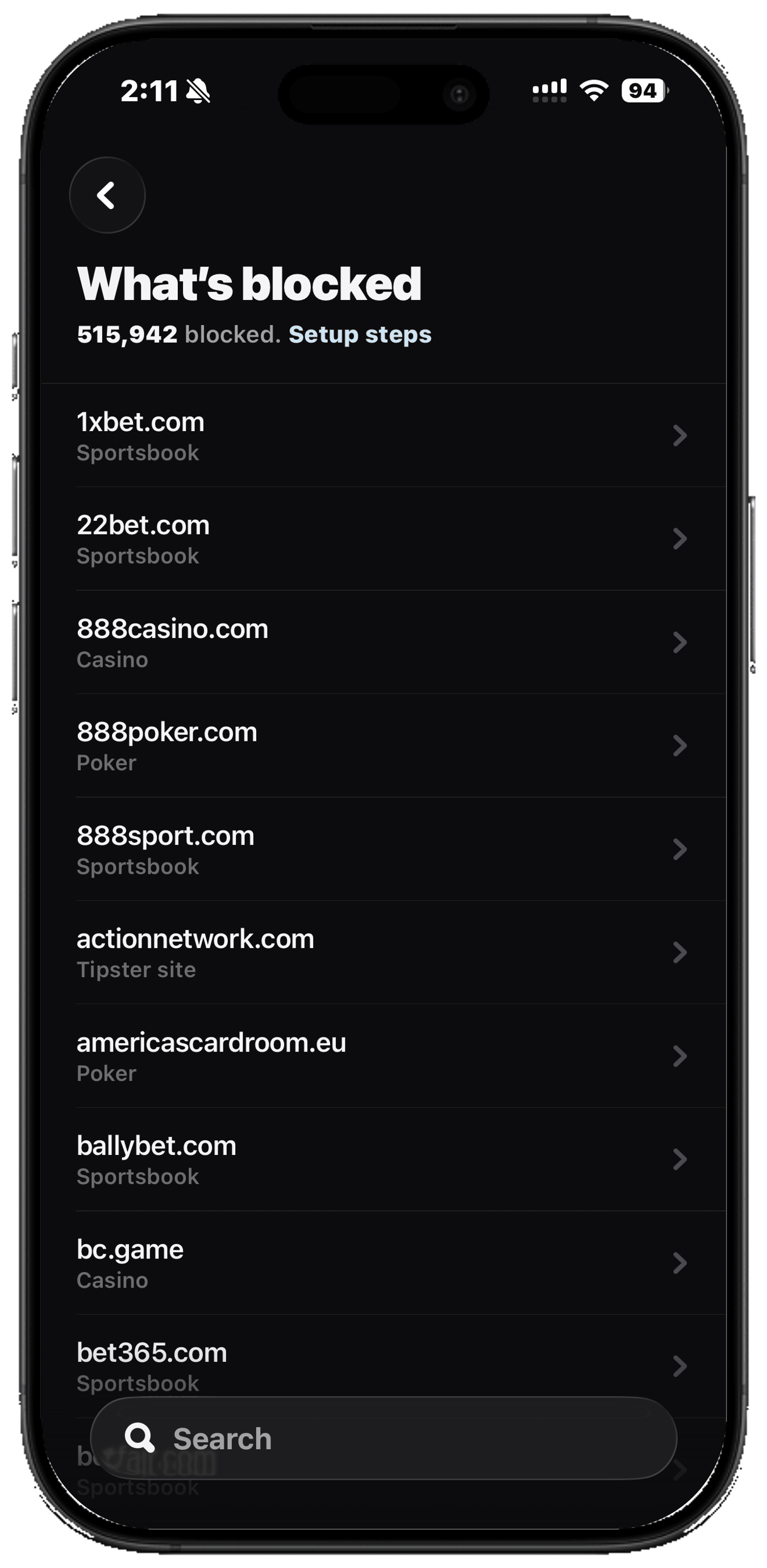
Then tap Request review and, if you want, say why you need it.
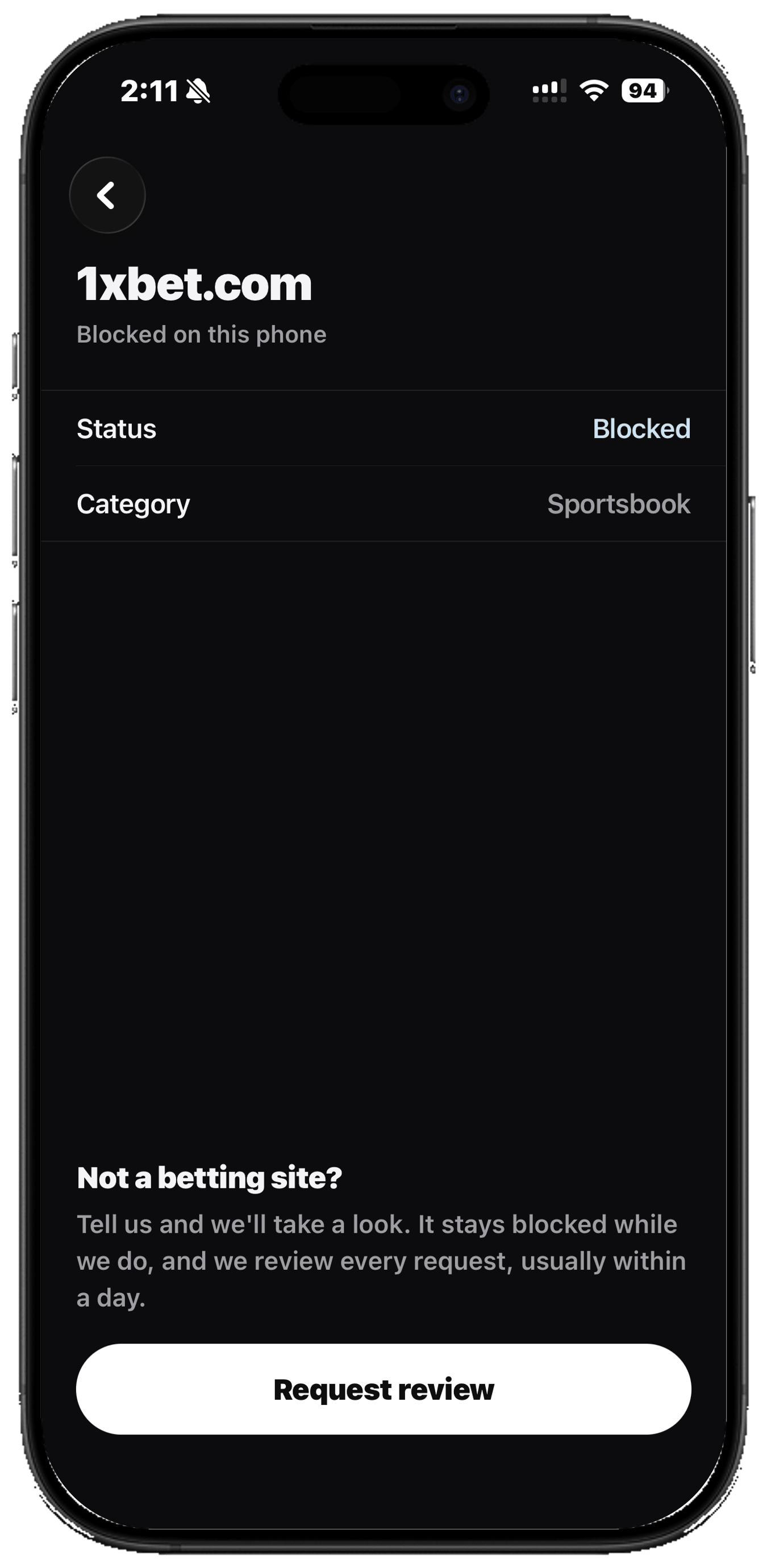
Mistakes get corrected in the list itself rather than switched off on your phone, so nobody else runs into the same wrong block.
Frequently asked questions
Does this block gambling apps as well as websites?
Yes. A betting app has to look up where its servers are exactly like a website does, so it opens and then cannot reach anything. On top of that you can block the apps outright, so tapping one puts a wall in front of it instead of opening it.
Does it work in Safari, Chrome and private browsing?
Yes, all of them, private and incognito windows included. This is not a browser extension or a setting inside one app. It is set at the level of the phone, so every browser and every app on it is covered.
Can you see what I browse?
No. The check happens in memory in under a millisecond and there is no line anywhere in the system that writes a website name down. Not behind a setting, not for debugging, not temporarily. We could not tell you what you visited because we never had it.
Will it slow my phone down?
No. The check runs at the edge of the network, in memory, and it happens during a step your phone was already taking before any page loaded. In practice you will not be able to tell it is there until you try to open a betting site.
Do I need a computer?
No. Everything happens on the iPhone itself, in the app and in Settings. There is nothing to plug in and nothing to set up anywhere else.
Where does the list of 516,011 sites come from?
It is built from public gambling-site databases, a hand-checked core of the biggest operators, and the sites people report from inside the app. It is coverage rather than a promise: new sites appear constantly, which is why reporting one takes a single tap and gets it added for everyone.
Is it free?
The blocker is part of Ungamble, which is $59.99 a year with a 7 day free trial. There is nothing to buy in a weak moment and no paid unlock, ever.

The house stops winning today
Ungamble is the best iPhone app for beating gambling addiction: an AI mentor, a panic button for urges, and a shield between you and the betting apps.
Get Ungamble free